

@mlenno02
Not recently activeForum Replies Created
Viewing 3 posts - 1 through 3 (of 3 total)

Viewing 3 posts - 1 through 3 (of 3 total)
 Welcome to EnviroDIY, a community for do-it-yourself environmental science and monitoring. EnviroDIY is part of WikiWatershed, an initiative of Stroud Water Research Center designed to help people advance knowledge and stewardship of fresh water.
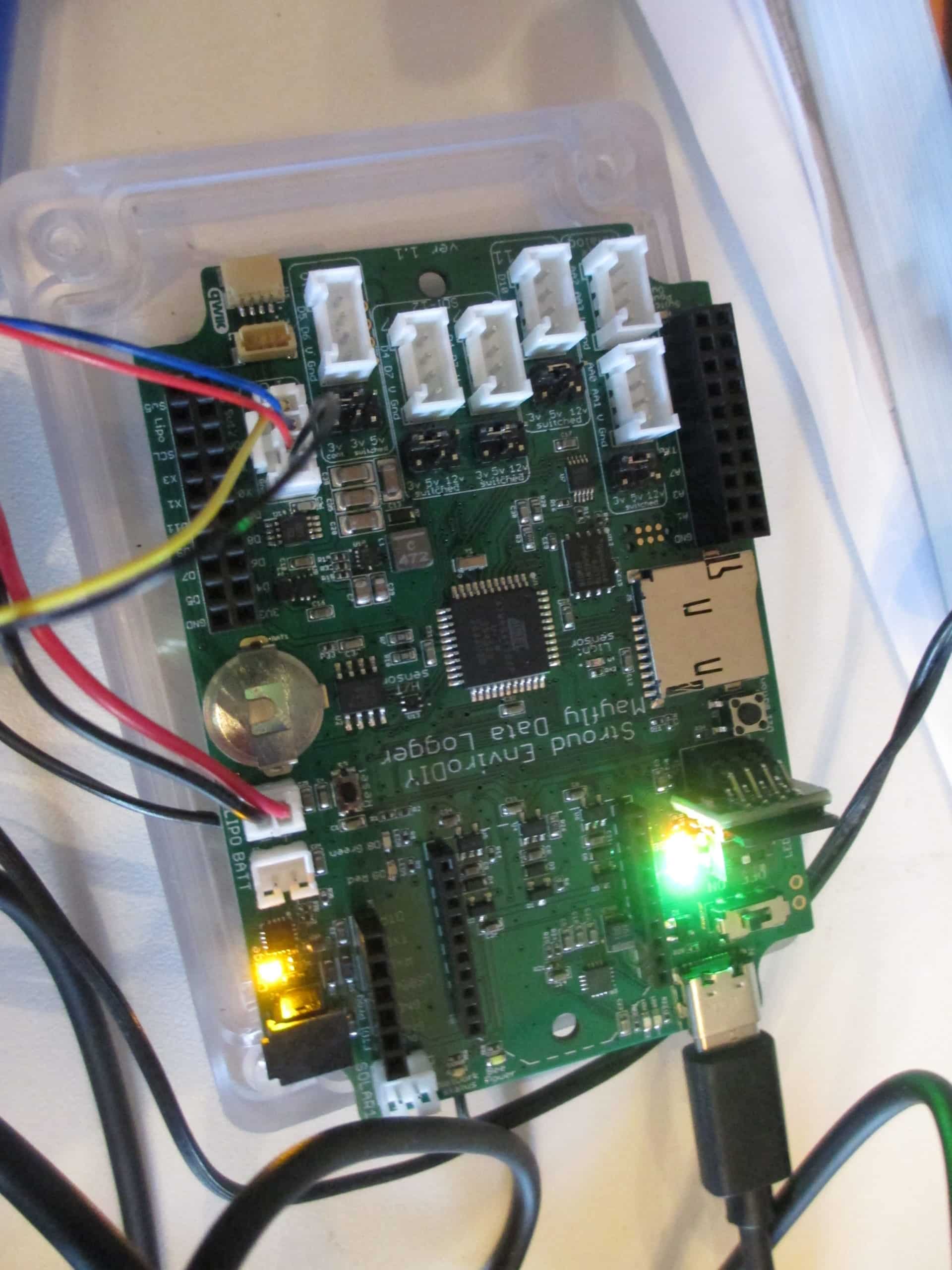
OK, I’m giving up on the ProTrinket solution. I went with the ProTrinket originally because there was a wiring diagram I could understand (not a hardware person). I need a similar picture for the Mayfly. I don’t understand what the following means: “First you need to enable the pullup resistor on pin D10, which is already built in to the Mayfly board, you just have to close jumper SJ12 on the back of the Mayfly.”
I see the SJ12 D10 P/U on the back of the Mayfly. Don’t know what to do.
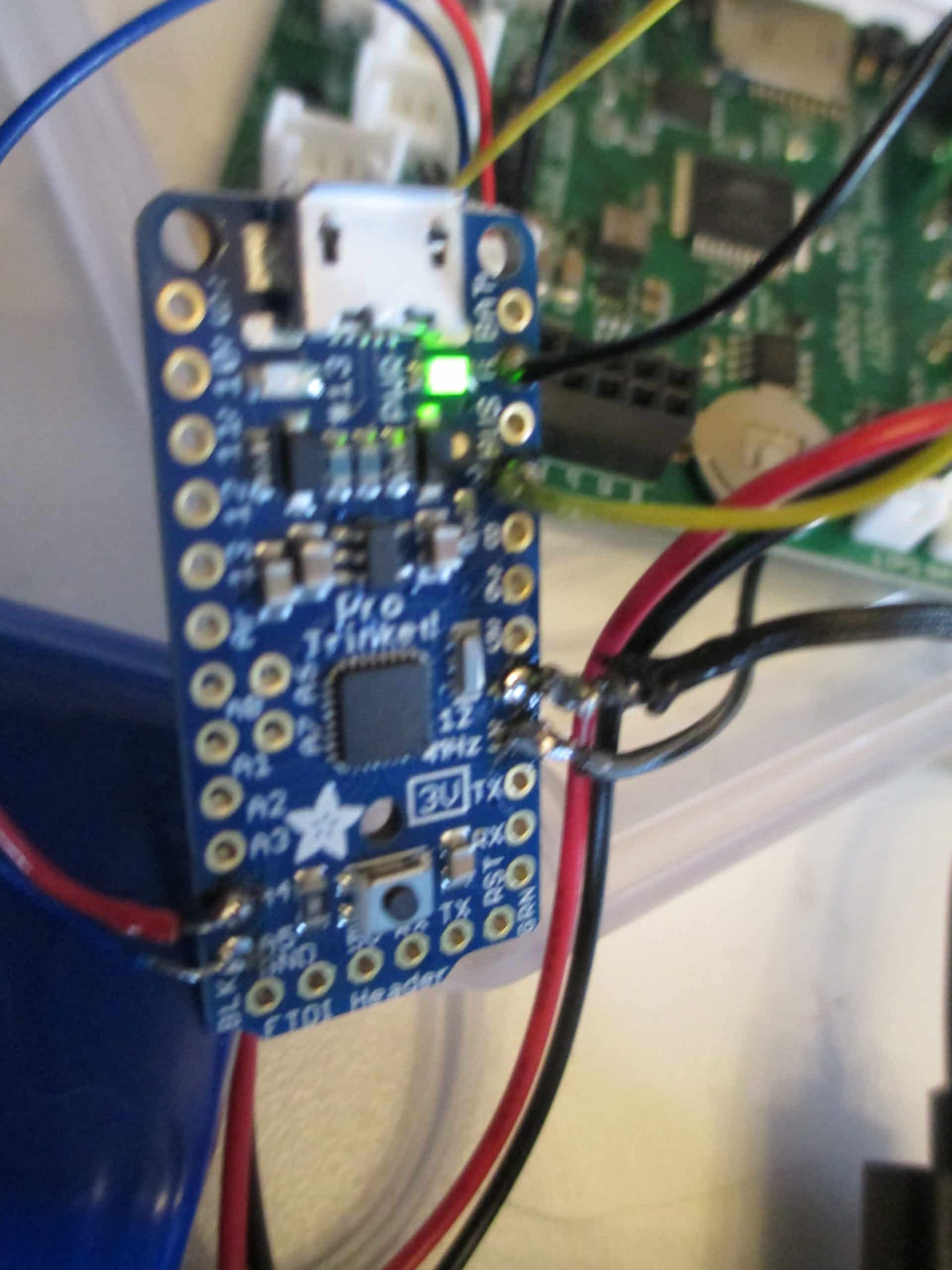
I went with the ProTrinket/Mayfly solution. My problem is no red light on the ProTrinket, only a green, I have pushed the reset button on the ProTrinket but still no red light. Is there a setting under tools that needs to be changed? If you look up bootloader for the ProTrinket, it says the ProTrinket must be connected to a computer via USB. In the above instructions, the Mayfly is connected to the computer via USB and the ProTrinket is connected to the Mayfly. Is that my problem?
I have loaded date/time and the blink sketch so I know the Mayfly is good.
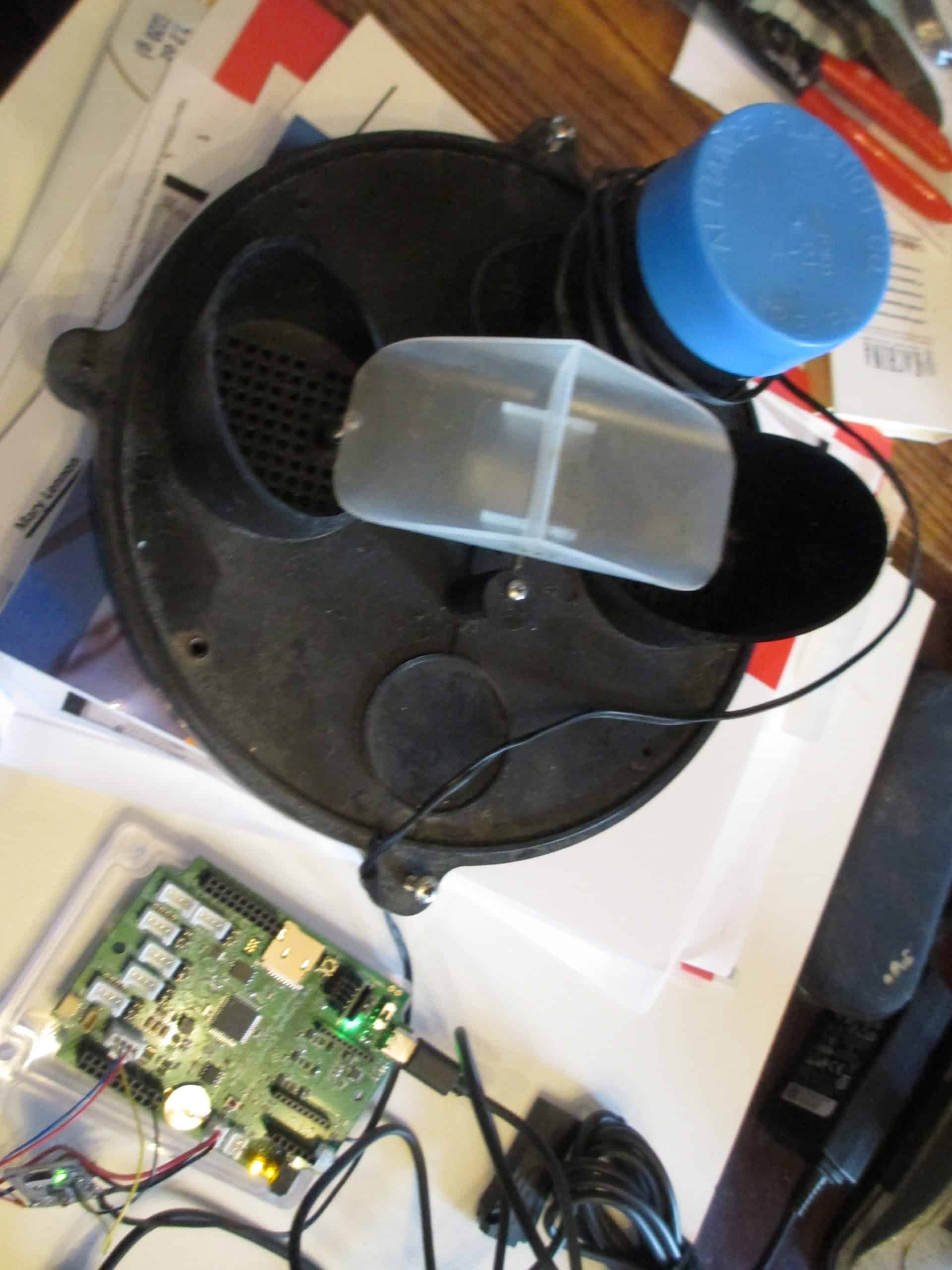
Thank you for your help. I’ve ordered a ProTrinket. Basically, I am trying to recreate what the rain logger did before it died. Log date, time and a tip, convert the tip to inches and have a running total per rain event. Ultimately, be able to retrieve the data remotely. We have three broken loggers (very old) and one that is still functioning. We are only measuring rain, not temperature. Info on logger:
We are a volunteer org located in Upper Bucks County PA. http://bntgroundwater.org/

We use cookies to improve your experience on our site. By using our site, you consent to cookies.
Websites store cookies to enhance functionality and personalize your experience. You can manage your preferences, but blocking some cookies may impact site performance and services
Essential cookies enable basic functions and are necessary for the proper function of the website.
CleanTalk offers effective spam protection and website security solutions to enhance user experience.
Service URL: cleantalk.org (opens in a new window)
CloudFlare provides web performance and security solutions, enhancing site speed and protecting against threats.
Service URL: developers.cloudflare.com (opens in a new window)
These cookies are needed for adding comments on this website.
These cookies are used for managing login functionality on this website.
WooCommerce is a customizable eCommerce platform for building online stores using WordPress.
Statistics cookies collect information anonymously. This information helps us understand how visitors use our website.
Google Analytics is a powerful tool that tracks and analyzes website traffic for informed marketing decisions.
Service URL: policies.google.com (opens in a new window)
SourceBuster is used by WooCommerce for order attribution based on user source.
You can find more information in our Cookie Policy and Privacy Policy.